Documentation
Payouts
Track payouts of your sales revenue to your bank account.
The Payouts page shows the transfers of your available balance to your bank account, embedded directly from Stripe. Open it from Payouts under the Sales → Stripe section of the Management Console sidebar.
Here you can:
- See past and upcoming payouts, with amounts and expected arrival dates
- Check the status of each payout (in transit, paid, or failed)
- Review your payout schedule as configured in Stripe
Tip
Payout timing and schedule are controlled by Stripe and depend on your country and account history. New accounts often have a short delay on their first payout.
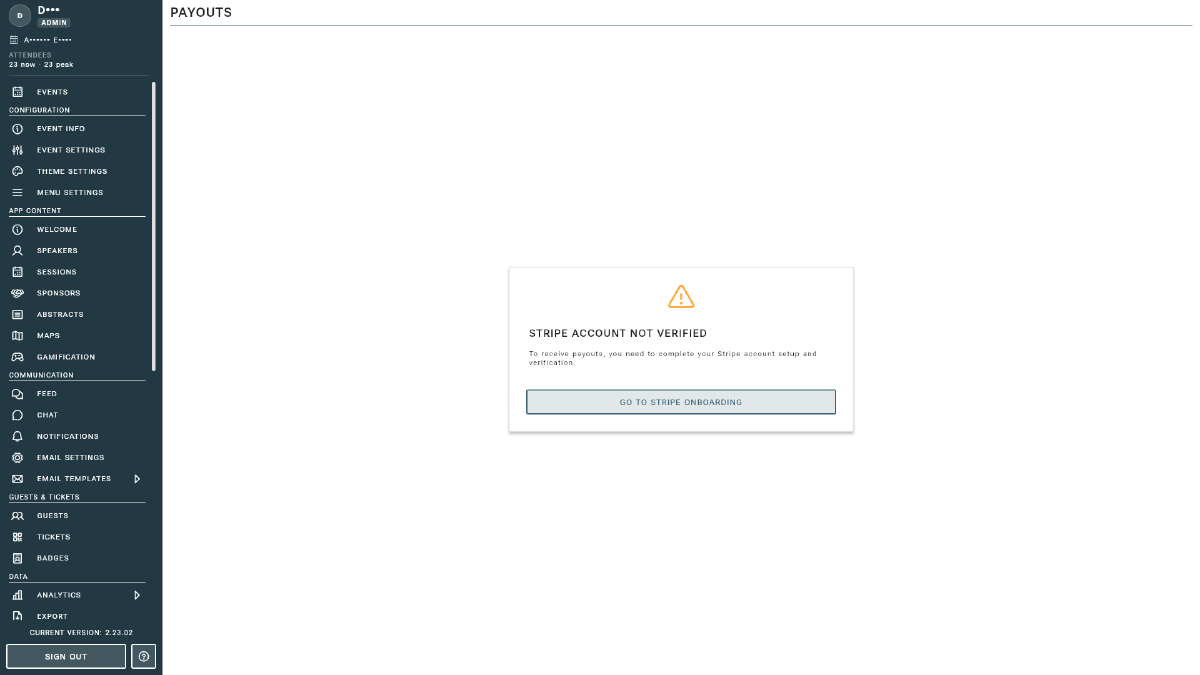
For an estimate of upcoming payouts based on your Event Vault orders, see the Financial Report. The figures on this page, straight from Stripe, are always the authoritative source. If you see a “Go to Stripe onboarding” prompt, finish Account Setup first.