Documentation
Documents
Access tax and financial documents generated by Stripe.
The Documents page gives you the official tax and financial documents Stripe produces for your account, embedded directly in the console. Open it from Documents under the Sales → Stripe section of the Management Console sidebar.
Use this page to find and download the paperwork you need for bookkeeping, tax filing, and reconciliation, such as tax documents and account statements generated by Stripe.
Tip
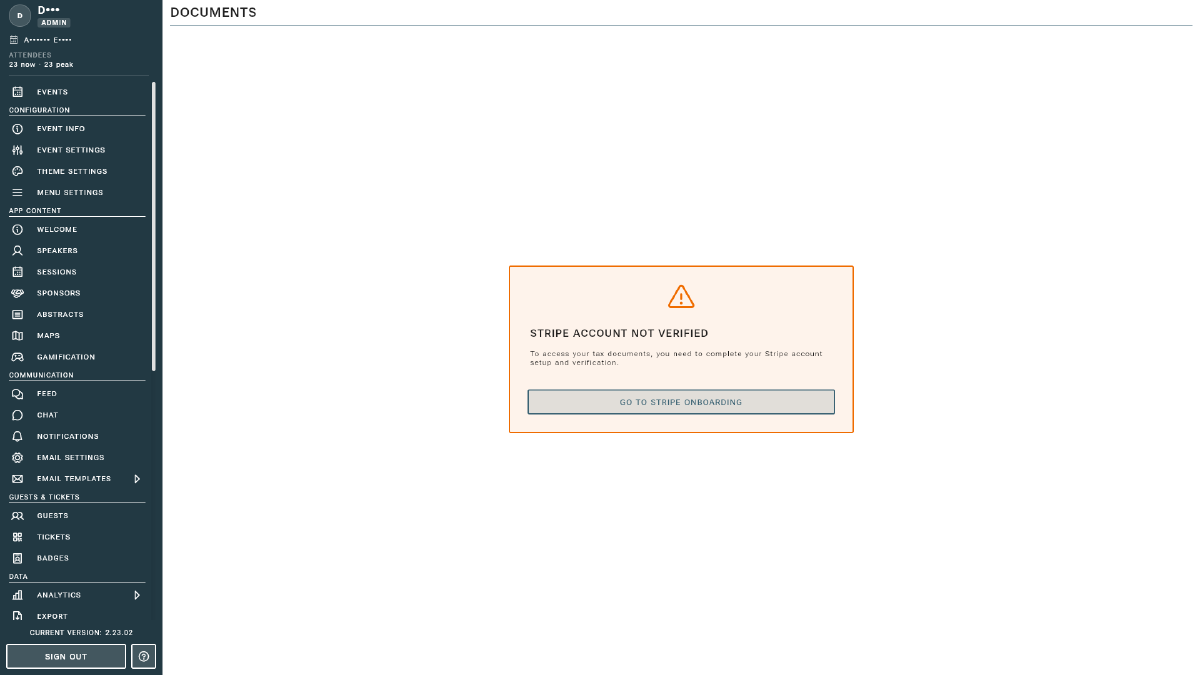
Which documents are available depends on your country, your tax registrations, and your account activity. If you see a “Go to Stripe onboarding” prompt, complete Account Setup first.
For a live, in-console summary of revenue and fees, use the Financial Report. For the underlying transactions, see Payments and Payouts.