Documentation
Balances
View your available and pending Stripe balances.
The Balances page shows the money currently held in your connected Stripe account, embedded directly from Stripe. Open it from Balances under the Sales → Stripe section of the Management Console sidebar.
Your balance is typically split into:
- Available: funds that are ready to be paid out to your bank account.
- Pending: funds from recent payments that are still clearing before they become available.
Balances update automatically as payments settle and payouts are sent. To see money moving to your bank, check Payouts.
Tip
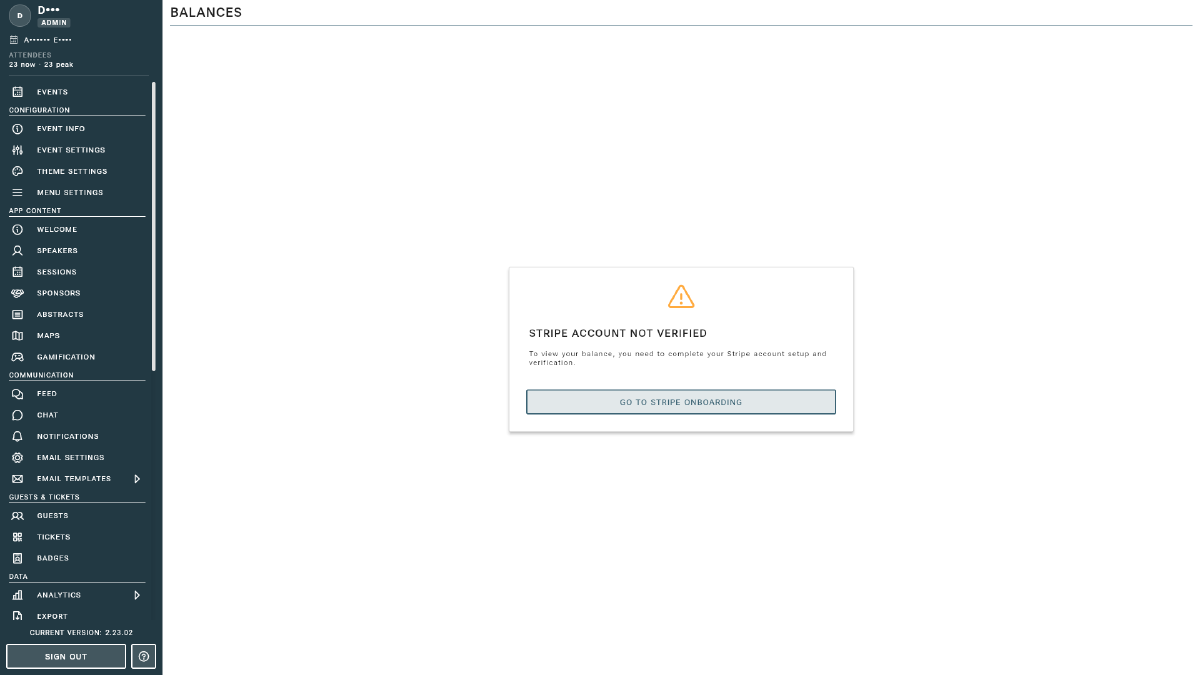
If you see a “Go to Stripe onboarding” prompt, complete Account Setup before balances can be shown.