Documentation
Payments
Monitor incoming payments from ticket sales in real time.
The Payments page shows every payment collected through Event Vault, embedded directly from your connected Stripe account. Open it from Payments under the Sales → Stripe section of the Management Console sidebar.
Here you can:
- See individual charges as they come in, with amount, status, and buyer
- Drill into a payment to view its full Stripe timeline and any disputes
- Cross-reference a payment with its Event Vault Order
Tip
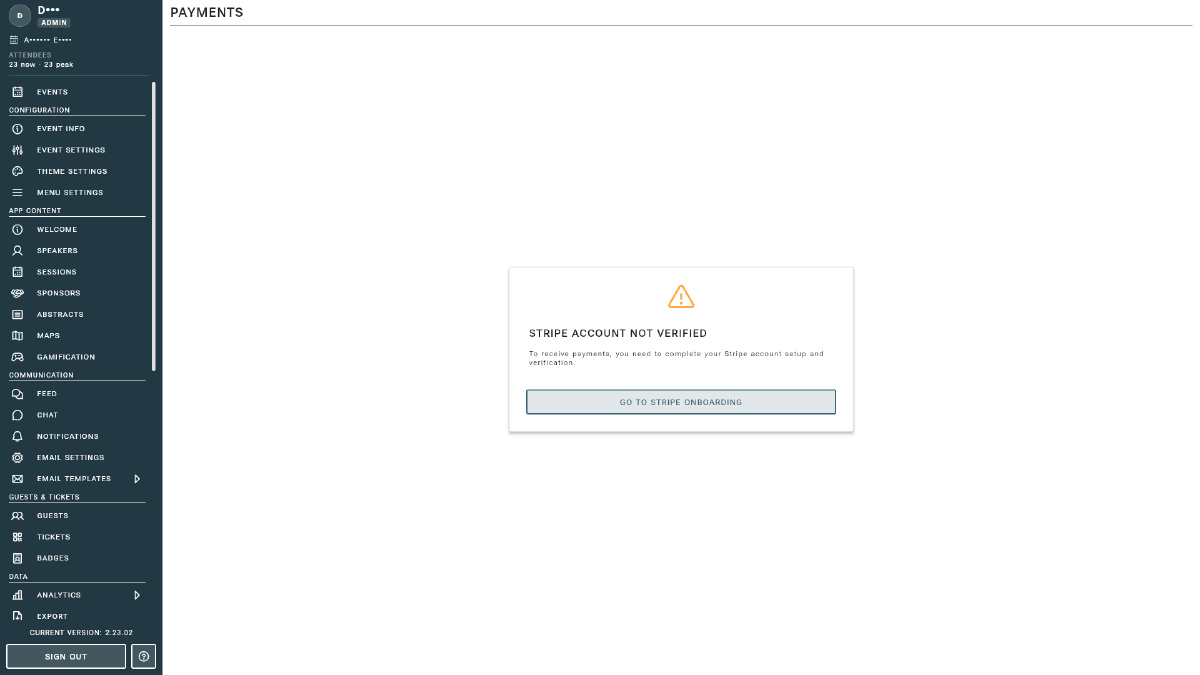
This view is powered by Stripe, so it always reflects the live state of your account. If you see a “Go to Stripe onboarding” prompt, finish Account Setup first.