Documentation
Event Info
How to configure your event's core details and branding.
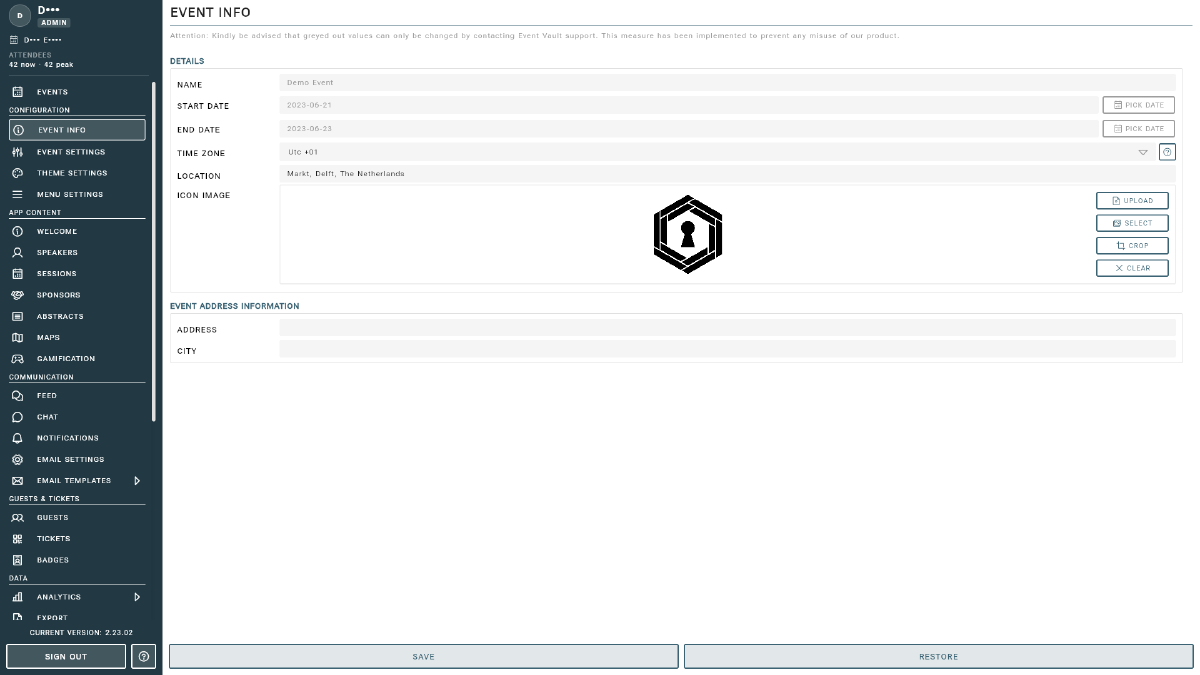
The Event Info page is your central hub for your event’s core details and branding. Access it by selecting Event Info from the sidebar in the Management Console.
Basic Information
- Event Name: the name of your event, displayed throughout the app and console. Contact support to change this after initial setup.
- Location: your venue name or city, shown to attendees in the app.
- Start Date / End Date: the event’s start and end dates. Contact support to change these after initial setup.
Event Image
Upload a single image that serves as both the event logo (shown in the app header) and the cover image (shown on the welcome and profile screens). Use a high-resolution image for the best result across all screen sizes.
Tip
Changes to Event Info take effect immediately in the app. For timezone, access controls, and feature flags, see the Event Settings page.
Tips
- Use a high-contrast logo image so it reads clearly on both light and dark backgrounds.
- Keep your location description short, a city or venue name is enough for attendees.